"APK" sounds technical, but it's really just the file format every Android app is built from - think of it like a .exe file on Windows, except for your phone. If you've never installed one manually before, the process can feel a little intimidating the first time, mostly because Android throws up a warning screen that looks scarier than it actually is. Once you've done it once, it takes about two minutes. Here's the full walkthrough, along with the mistakes that trip people up most often.
Where to actually get the file from
This is the step people rush past, and it's the one that matters most. Search "pk365 game download apk" and you'll get a page full of results - official listings, mirror sites, forum reposts, and a handful of pages that exist purely to serve ads and never actually give you a working file. Start from the Google Play listing if one's available for your device, since Play automatically checks the app against Google's malware scanning before it ever reaches your phone. If you're grabbing a direct APK instead, only take it from the official website domain, and double-check that domain the way we cover in our real or fake breakdown - small spelling tricks in URLs are how most fake downloads spread.
Step 1: Allow installs from outside the Play Store
Android blocks APK installs by default unless you're using the Play Store - this is a security feature, not a bug, so don't panic when you see it. Here's how to get past it safely: go to Settings, then Apps, then Special access (on some phones it's under "Advanced"), and find "Install unknown apps." Tap the browser or file manager you're going to use to download the file, and toggle "Allow from this source."
Step 2: Download the file
Tap the download link and let it finish completely before doing anything else. On a decent connection, a game-sized APK usually takes somewhere between 30 seconds and a couple of minutes, depending on file size and your signal. Don't switch apps or lock your screen mid-download on older phones - some budget devices will pause or corrupt a download if the browser gets backgrounded at the wrong moment, which is one of the more common reasons people end up with an "app not installed" error later.
Step 3: Install it
Once the download finishes, open it from your notification shade or your Downloads folder. You'll see an install prompt showing the app's requested permissions - glance over them (we cover what's normal and what's a red flag in our legitimacy checklist) and tap Install. Give it a few seconds; Android runs a quick scan on the file before it finishes.

Step 4: Open it and set up your account
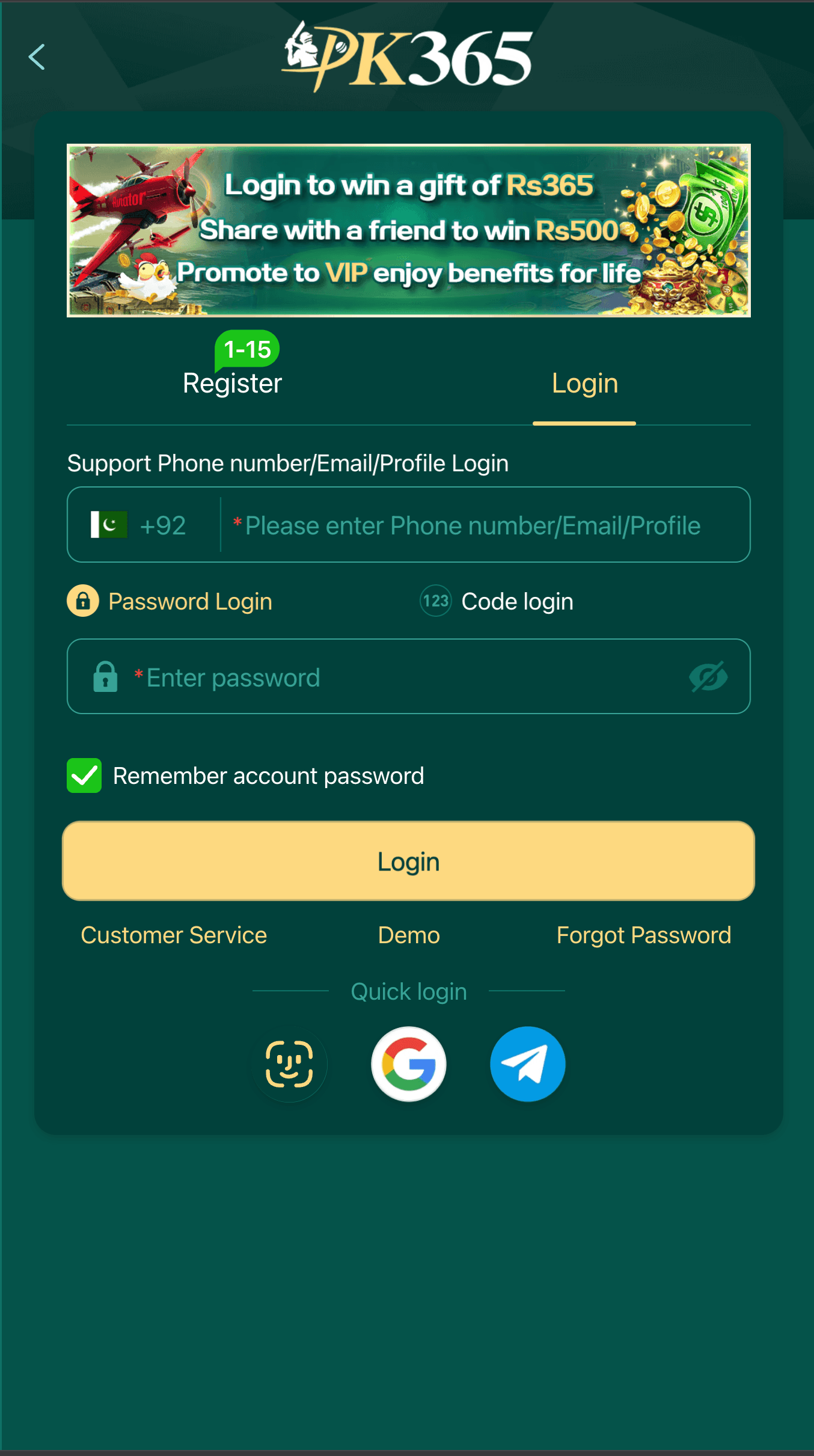
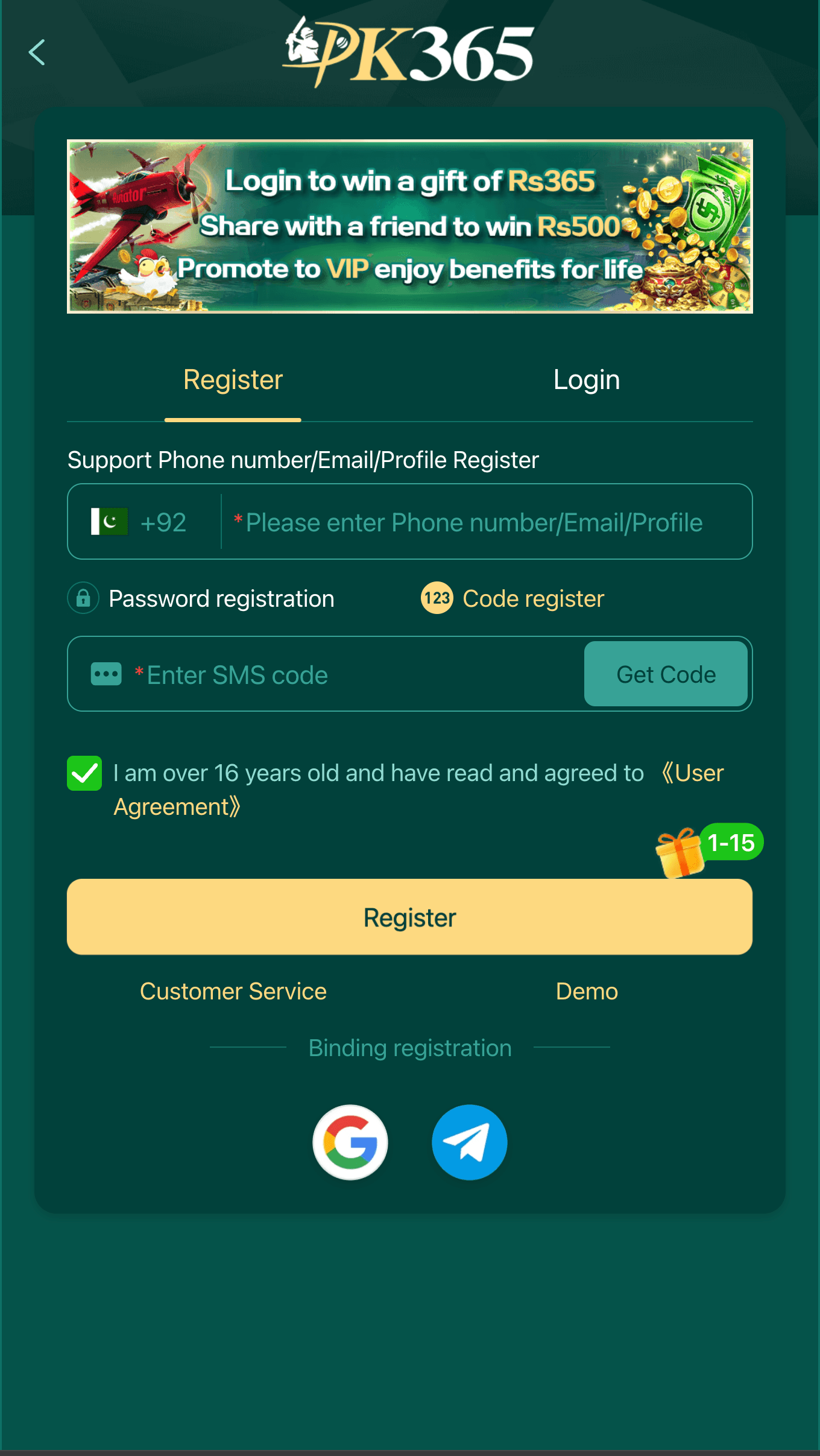
Launch the app and you'll land on a registration screen asking for a phone number, email, or profile ID, plus either a password or an SMS code. This is a good moment to slow down rather than rush: use a password you haven't reused anywhere else, and if it offers two-factor verification, turn it on. It's a five-second annoyance now that saves you a much bigger headache later if your phone ever gets lost or your password leaks in some unrelated data breach.
The install errors people actually run into
Most installation problems fall into a small handful of buckets, and almost none of them mean anything is wrong with your phone.
- "App not installed" - nine times out of ten this means the download got corrupted partway through. Delete the file completely and download it fresh rather than retrying the same broken file.
- Google Play Protect warning - this is Android's built-in scanner flagging anything installed from outside Play, and it shows up for legitimate apps too, not just malware. It's worth pausing on, but it isn't automatically a red flag by itself.
- "There isn't enough space on your device" - game and earning apps bundle a lot of image and animation assets, so they run bigger than a simple utility app. Clear out some old photos or unused apps first.
- The app installs but crashes immediately on open - almost always a version mismatch, either an old APK that doesn't support your current Android version, or the reverse.
If you keep hitting the same crash after a reinstall, it's worth reading our breakdown on choosing between the latest version and an old version - version mismatches are a more common cause of crashes than people expect, and it only takes a minute to check which build you actually have.
How much storage and data this actually needs
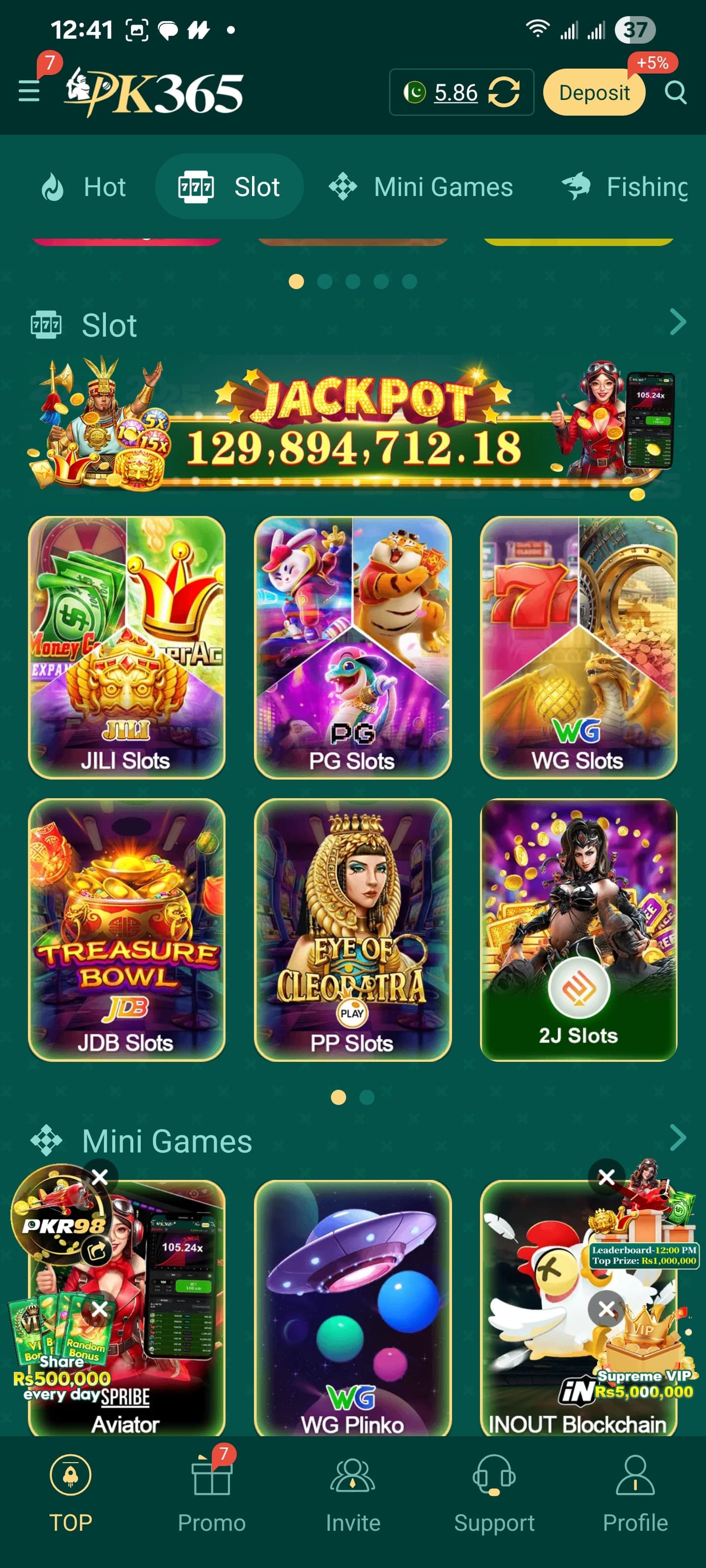
Worth planning for before you start: games with a lot of animated slots and mini-games tend to run larger than a typical app, and they often keep growing as new titles get added inside the lobby. Give yourself a comfortable buffer of free storage rather than the bare minimum - installs that fail partway through because a phone runs out of space mid-write are a common, avoidable headache. If you're on a limited mobile data plan, downloading over Wi-Fi is worth doing when you can, both for speed and so a slow connection doesn't increase the odds of a corrupted download.
If something feels off after installing
If the app installed fine but something about it doesn't sit right - permissions that seem excessive, behavior that doesn't match what we've described here, anything that makes you pause - trust that instinct. Uninstalling is straightforward: long-press the app icon and choose Uninstall, or go through Settings, then Apps, find it, and remove it from there. Uninstalling doesn't touch your account on the platform's side, since that data lives on their servers rather than your phone, so there's no cleanup needed beyond removing the app itself.
One more small thing worth doing on some phones, particularly Xiaomi, Oppo, and Vivo devices with aggressive battery-saving settings: these manufacturers sometimes kill background app activity by default in a way that can cause notifications or session handling to behave oddly. If you notice the app logging you out unusually often or missing notifications, check your phone's battery optimization settings and allow the app to run normally in the background rather than being restricted.
Does sideloading an APK cause any other problems?
A question we hear a lot, usually from people installing an APK manually for the first time ever: does this void a warranty, or damage the phone somehow? No - installing an app from outside the Play Store doesn't affect your hardware warranty on any mainstream Android phone, and it doesn't put your device into any special or risky mode. Rooting a phone can void certain warranty terms and does carry real risk; simply sideloading a single APK is a completely different, much more ordinary thing, and it's a feature Android has supported from the very beginning, not some exploit or workaround.
The one genuine caveat is the one we've already covered: the app itself is only as trustworthy as its source. The install process isn't the risky part. Where the file came from is.
A quick word on where NOT to get the file
We'll say this plainly: this site doesn't host or distribute the PK365 APK ourselves. Every download link we point you to goes to the official Play Store listing or the official website. We'd rather send you to the source than ask you to trust a random file we're hosting - and honestly, any guide site that does host its own copy of a real-money app's installer is a site you should be a little suspicious of.
What to do once you're in
Installed and logged in? Good - that's the hard part done. If you run into trouble signing in, our login guide covers password resets and the most common sign-in errors. And if you're the type who likes to double-check things before diving in, our FAQ page answers the questions people ask most about safety, withdrawals, and account management.
PK365 APK Hub Editorial Team
We're an independent team covering PK365 downloads, login help, and account safety — not the developer, and not officially affiliated with PK365. Every guide is checked against the app's actual current screens before publishing, and updated when something changes.
Last reviewed September 1, 2026
Independent guide - not affiliated with, endorsed by, or an official representative of PK365. Always verify details against the official app and website.