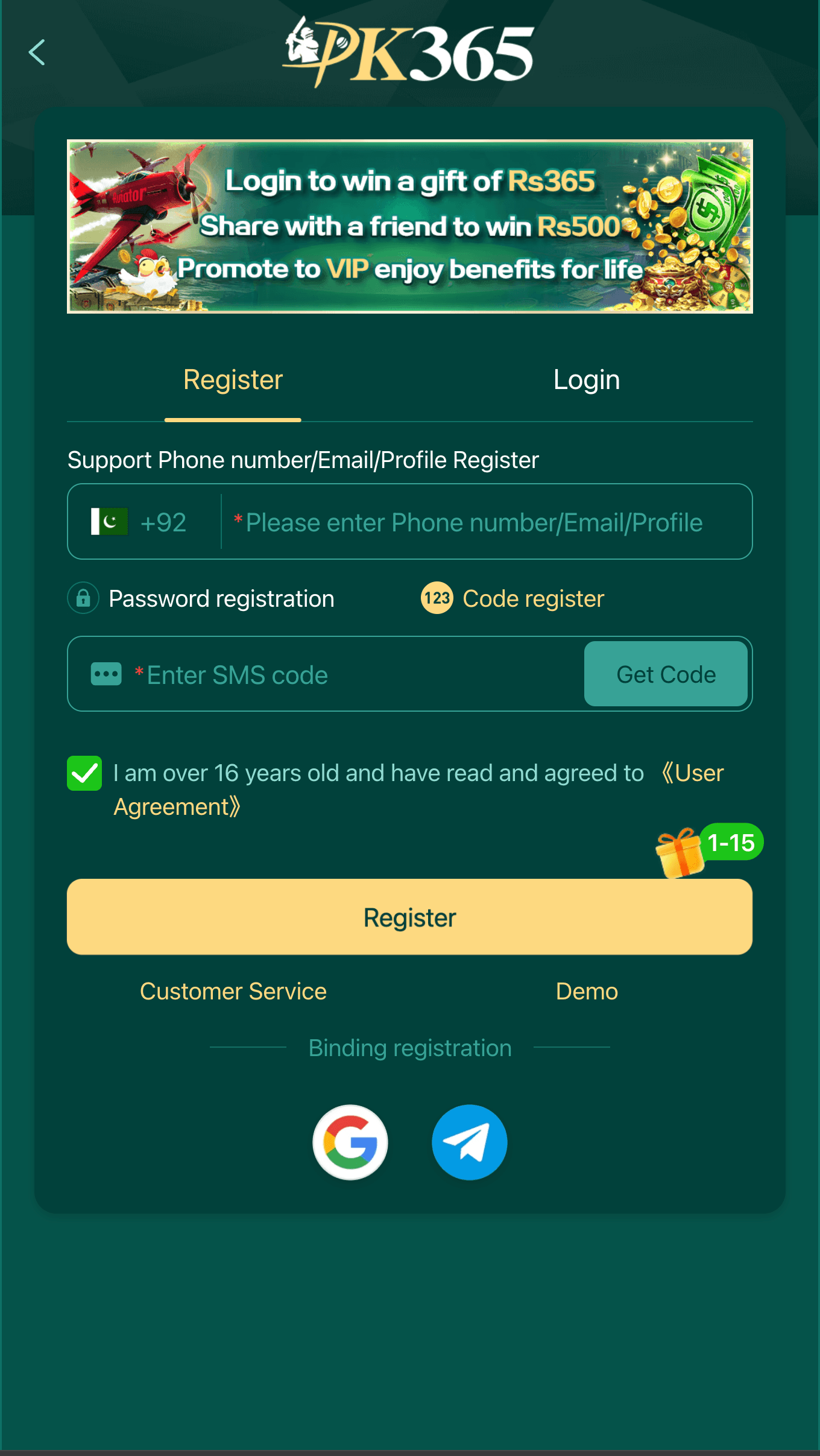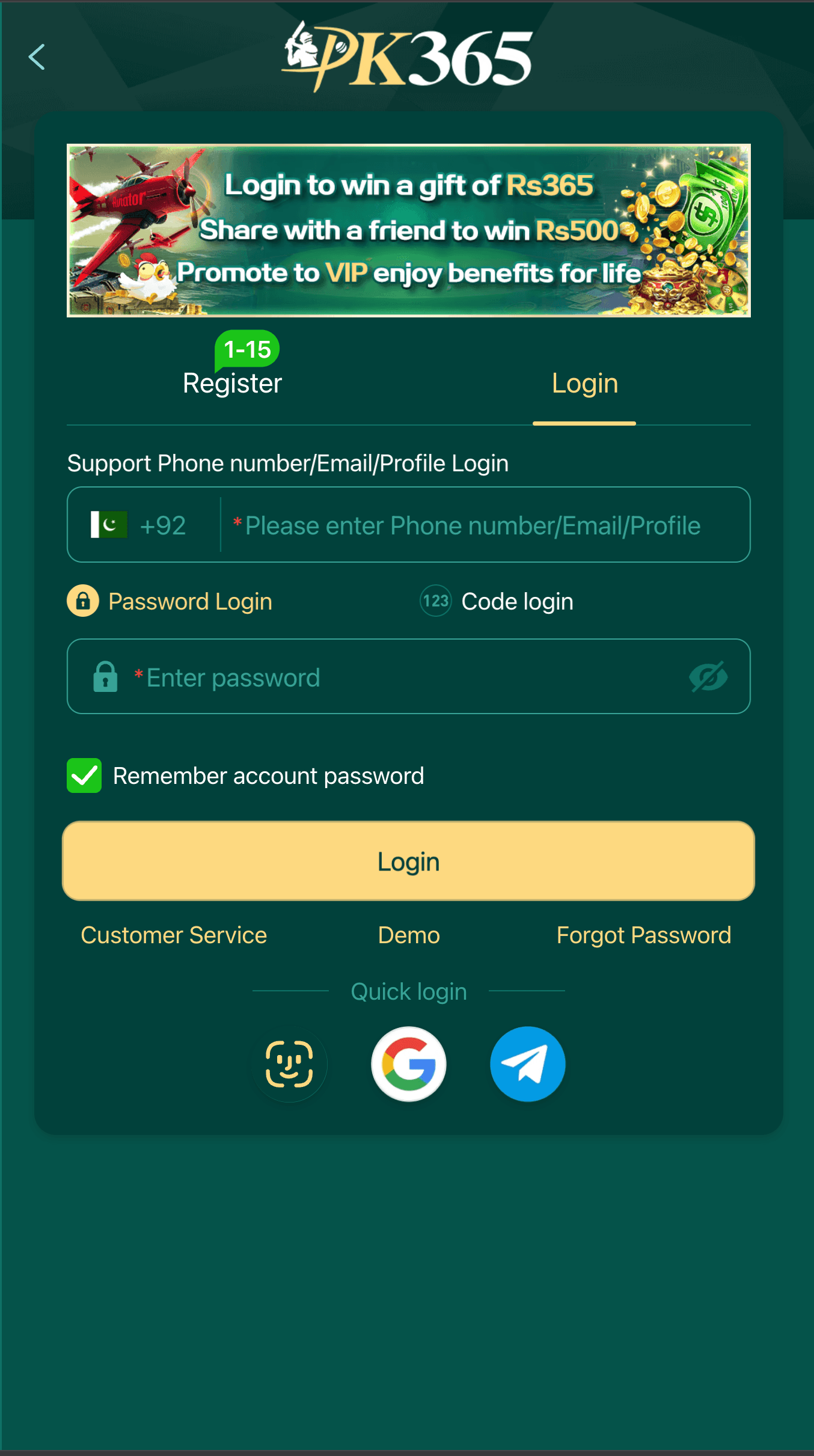
Getting locked out of an app you use regularly is one of those small annoyances that feels bigger than it is, especially when there's a balance sitting on the other side of that login screen. The good news is that most PK365 login problems come down to a short list of causes, and almost all of them are fixable in under a minute once you know what to check. Let's go through it properly instead of just telling you to "try again."
How sign-in is supposed to work
Open the app and you'll land on a straightforward sign-in screen asking for your username or ID and your password. Some accounts are set up with a phone number instead of a username, so if your first attempt fails, double check which method you actually registered with originally - it's an easy detail to forget months later. If the app prompts you for an OTP code, that code should only ever arrive by SMS directly from the platform itself. If someone asks you for it over chat or a phone call, that's not a login problem anymore, that's a scam attempt, and it deserves its own separate warning.
"Incorrect password" when you're sure it's right
This is probably the single most common login complaint, and the fix is almost always boring: it's usually not the app, it's autocorrect. Phone keyboards love to auto-capitalize the first letter of whatever you type, which silently breaks a password if yours starts with a lowercase letter. Check that caps lock isn't on, check that autocorrect hasn't changed a character, and if you're copy-pasting the password from a notes app, check there isn't an invisible trailing space tagging along at the end. It sounds almost too simple, but it accounts for a surprising share of "my password isn't working" reports.
Forgot your password completely?
Use the "Forgot Password" link right there on the login screen instead of guessing or trying old passwords one by one - repeated failed attempts can trigger a temporary lockout on some platforms as a security measure, which just adds an extra delay you don't need. You'll typically verify through your registered phone number or email, then set a new password from there.
If you no longer have access to either - new phone number, old email you can't log into anymore - there's no safe shortcut around it. You'll need to go through the platform's official account recovery process, which usually means contacting support directly with proof you're the account owner. It's slower than clicking a reset link, but it exists specifically to stop someone else from hijacking your account by claiming to be you. Our support page lists the official channels worth using for this.
Other login errors, sorted by how annoying they are
- Login screen freezes or spins forever - usually a connection hiccup rather than an account issue. Close the app fully, check your signal, and try switching between Wi-Fi and mobile data before trying again.
- "Account not found" - easy to trigger if you've got two similar accounts or mistype a digit in your registered number. Slow down and re-check character by character.
- The app force-closes right as you try to log in - this is almost always a version problem. Older builds are more likely to clash with newer Android updates, so check whether you're on the current release.
Our guide on comparing the latest and old app versions explains why this happens and how to check which version you're actually running.
Why you might get logged out with no warning
Getting silently signed out without doing anything wrong is more common than people expect, and it's rarely a sign of a hacked account. A few normal, boring reasons cause this: a session simply expiring after a long period of inactivity, the app being updated and clearing stored login tokens as part of that update, or a security system on the platform's end flagging unusual activity - like logging in from a new city or a new device - and asking you to re-verify as a precaution rather than a punishment.
If you get signed out and then immediately back in with your normal password, that's almost always the end of the story. The one time to actually be concerned is if you get signed out and your password no longer works at all, which can mean it was changed without your knowledge - in that case, go straight to the account recovery process rather than repeatedly trying the old password.
Logging in on a new phone or a second device
Switching phones doesn't require transferring any file or backup - your account lives on the server, not on your old device, so signing in on a new phone with the same username and password picks up right where you left off. If you've also changed your registered phone number, update that inside your account settings while you still have access to the old number, since a lot of recovery methods depend on that number being current. Losing access to both an old device and an old number at the same time is the single hardest recovery scenario to deal with, so keeping your contact details current is a small habit that saves a real headache later.
Using the app on two devices at once - say, an old phone and a new one - usually works fine for simply checking your account, but some platforms will log you out of the first session when you sign in on a second device as a security measure. That's normal behavior, not a bug, if it happens to you.
How to delete your PK365 account
Sometimes the goal isn't fixing a login, it's closing the door entirely. Account deletion is normally available from inside the app's account or settings menu. If you can't find a self-service option there, the official support channel is your next stop - this is one of those requests that's genuinely better handled by a real person than an automated form, since they'll want to confirm your identity first.
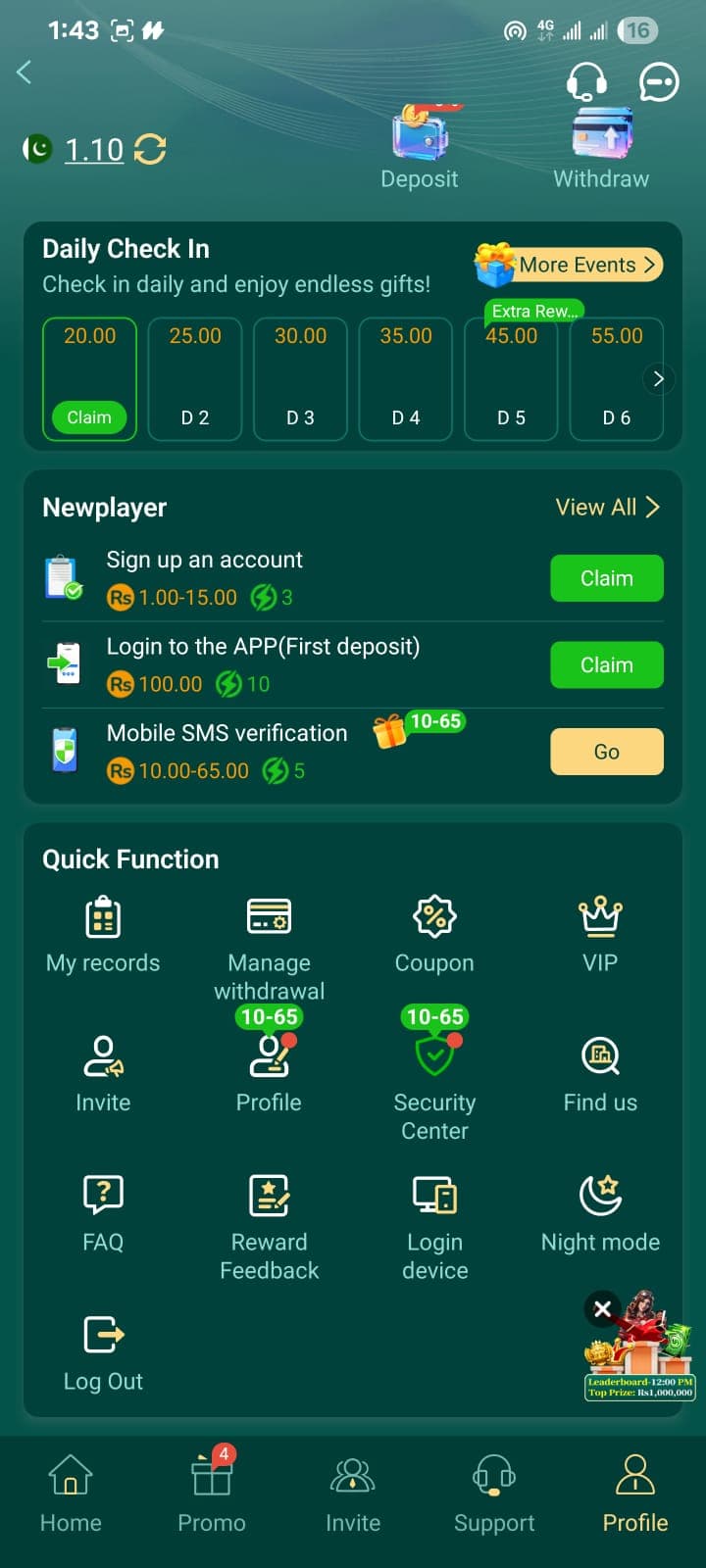
Before you pull the trigger, though, settle anything that's still pending. Resolve any withdrawal in progress, and confirm your balance is at zero if that matters to you, because account deletion is typically permanent and irreversible. There's usually no getting that data back once it's gone, so don't rush this part.
Is two-factor verification actually worth turning on?
If the app offers an extra verification step at login - an SMS code, an authenticator app, anything beyond just a password - turn it on, even though it adds a few extra seconds to every login. Here's why it's worth the minor annoyance: a password alone only protects you as well as that password is kept secret, and passwords leak constantly through unrelated data breaches on completely different websites that have nothing to do with this app. Two-factor verification means that even if your password somehow ends up in the wrong hands, whoever has it still can't get into your account without also having your phone. It's the single biggest security upgrade available for the least amount of daily hassle.
A password habit worth building
While you're in there fixing a login issue anyway, it's a good moment to upgrade your password if it's an old, reused one. Pick something unique to this account specifically - a password manager makes this painless if you're not already using one. And the golden rule bears repeating one more time: never type your password into a page you reached through a link someone sent you unprompted. Always open the app directly, or type the official address in yourself rather than tapping a link in SMS, WhatsApp, or email. That one habit blocks the vast majority of account-takeover attempts before they even get started.
Still stuck after all of this? Our FAQ page covers a few more edge cases, and if you're troubleshooting a fresh install rather than an existing account, our install guide might be the one you actually need.
PK365 APK Hub Editorial Team
We're an independent team covering PK365 downloads, login help, and account safety — not the developer, and not officially affiliated with PK365. Every guide is checked against the app's actual current screens before publishing, and updated when something changes.
Last reviewed September 1, 2026
Independent guide - not affiliated with, endorsed by, or an official representative of PK365. Always verify details against the official app and website.